
 By fabulous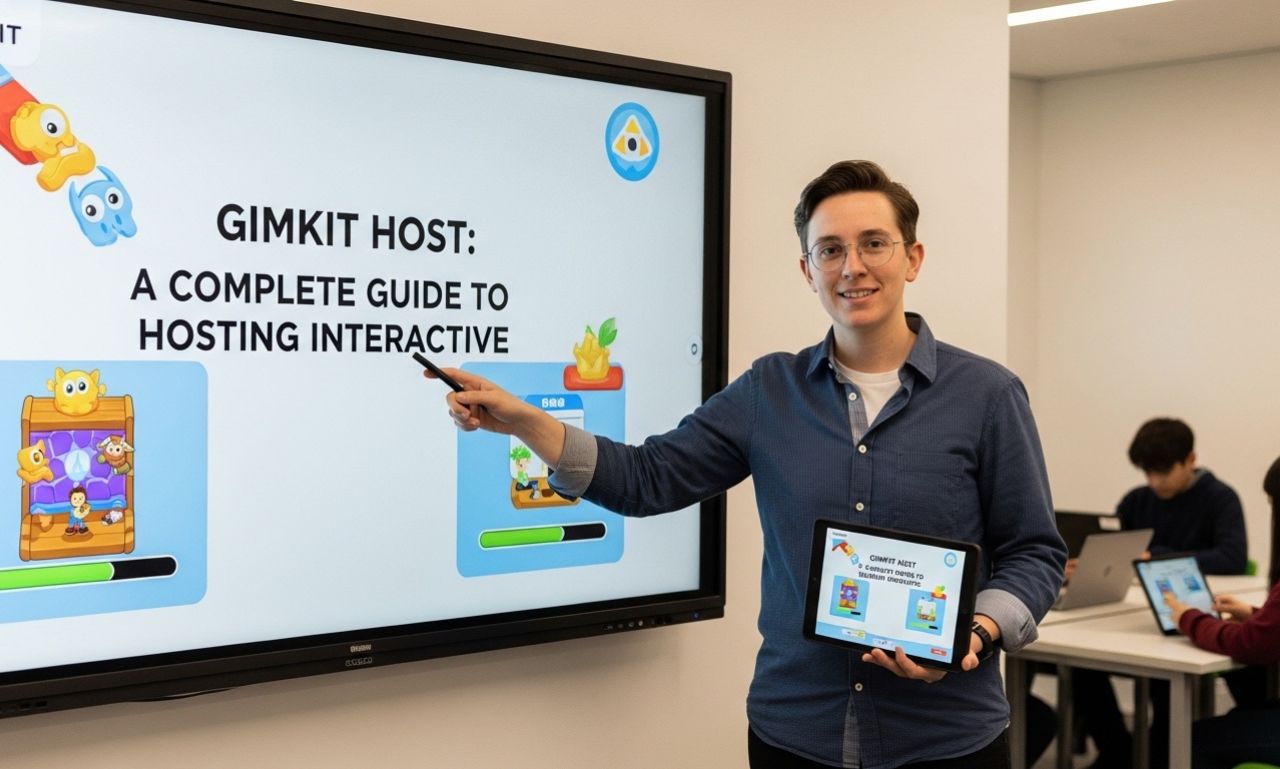
In modern classrooms, interactive learning platforms have transformed how students engage with lessons. One platform that has gained significant popularity among teachers and educators is Gimkit. A key role within the platform is the Gimkit Host, the person responsible for creating, managing, and running live game sessions for students.
Whether you are a teacher, tutor, or trainer, understanding how to become an effective Gimkit Host can improve classroom participation and make learning more exciting. This guide explains what a Gimkit Host is, how hosting works, and why the platform continues to grow in popularity.
What Is a Gimkit Host?
A Gimkit Host is the person who starts and manages a live game session on the Gimkit platform. Typically, this is a teacher or instructor who creates quizzes called “kits” and invites students to join using a game code.
The host controls:
- Game settings
- Time limits
- Question sets
- Student participation
- Game modes
- Progress monitoring
- Performance review
The host’s role is essential because they guide the entire learning experience.
How Gimkit Works
Gimkit is a game-based learning tool where students answer questions to earn virtual currency. They can use that currency to purchase upgrades, power-ups, and strategic advantages during gameplay.
This system turns ordinary quizzes into engaging competitions, helping students stay focused and motivated.
Unlike traditional quiz platforms, Gimkit combines:
- Knowledge testing
- Strategy-based gameplay
- Real-time classroom interaction
- Student engagement through rewards
This makes the host’s role even more important.
How to Become a Gimkit Host
Hosting a game is simple and beginner-friendly.
Step 1: Create an Account
Visit the official Gimkit website and sign up for an educator account.
Step 2: Create or Choose a Kit
A “kit” is your question set. You can:
- Create your own quiz
- Import questions from spreadsheets
- Use ready-made public kits
- Edit existing kits for your classroom needs
Step 3: Select a Game Mode
Gimkit offers multiple game modes, including individual challenges and team-based activities.
Popular modes include:
- Classic Mode
- Team Mode
- Trust No One
- The Floor Is Lava
- Humans vs Zombies
- Draw That
Different modes create different classroom experiences.
Step 4: Launch the Game
Click “Host” and select your preferred settings such as:
- Duration
- Goal score
- Power-up options
- Homework mode or live mode
- Student pacing
A game code is then generated for students to join.
Step 5: Monitor and Review
During gameplay, the host can track:
- Student accuracy
- Response speed
- Participation levels
- Individual performance
- Overall class understanding
This helps teachers identify learning gaps immediately.
Benefits of Being a Good Gimkit Host
Increased Student Engagement
Students often respond better to game-based learning than standard worksheets or lectures.
Instant Feedback
Hosts can quickly see which concepts students understand and where they need more help.
Flexible Teaching
Gimkit works for:
- In-person classrooms
- Remote learning
- Homework assignments
- Test preparation
- Review sessions
- Group competitions
Motivation Through Gamification
The reward system encourages participation, even from students who may usually be less active.
Tips for Effective Hosting
Keep Sessions Short and Focused
Shorter sessions often maintain stronger student attention.
Choose the Right Mode
Different lessons need different game styles. Match the mode to your teaching goal.
Use Student Performance Data
Review post-game reports to improve future lessons.
Encourage Healthy Competition
Focus on learning outcomes, not just winning.
Rotate Game Types
Variety keeps students interested and prevents repetition fatigue.
Gimkit Host vs Other Quiz Platforms
Many educators compare Gimkit with tools like Kahoot! and Quizizz.
What makes Gimkit unique is:
- Strategic earning system
- Upgrade-based gameplay
- Stronger student decision-making
- Long-term engagement
- Unique creative game modes
This gives the host more control over learning strategy, not just question delivery.
Common Challenges for Hosts
Some teachers may face:
- Limited free plan features
- Learning curve for advanced modes
- Classroom internet issues
- Student distractions during gameplay
However, with practice, most hosts find the platform highly effective.
Final Thoughts on Gimkit Host
A Gimkit Host does far more than simply launch a quiz—they create an interactive learning environment where students stay engaged, competitive, and motivated to learn.
As classrooms continue shifting toward digital learning experiences, platforms like Gimkit are becoming increasingly valuable. Teachers who understand how to host effectively can turn ordinary lessons into memorable educational experiences.
Whether you are new to the platform or looking to improve your teaching strategy, becoming a strong Gimkit Host can make a major difference in student success.